How Labyrinth 1.1 Ensures Your Encrypted Messages Survive Device Loss – A Step-by-Step Guide
Introduction
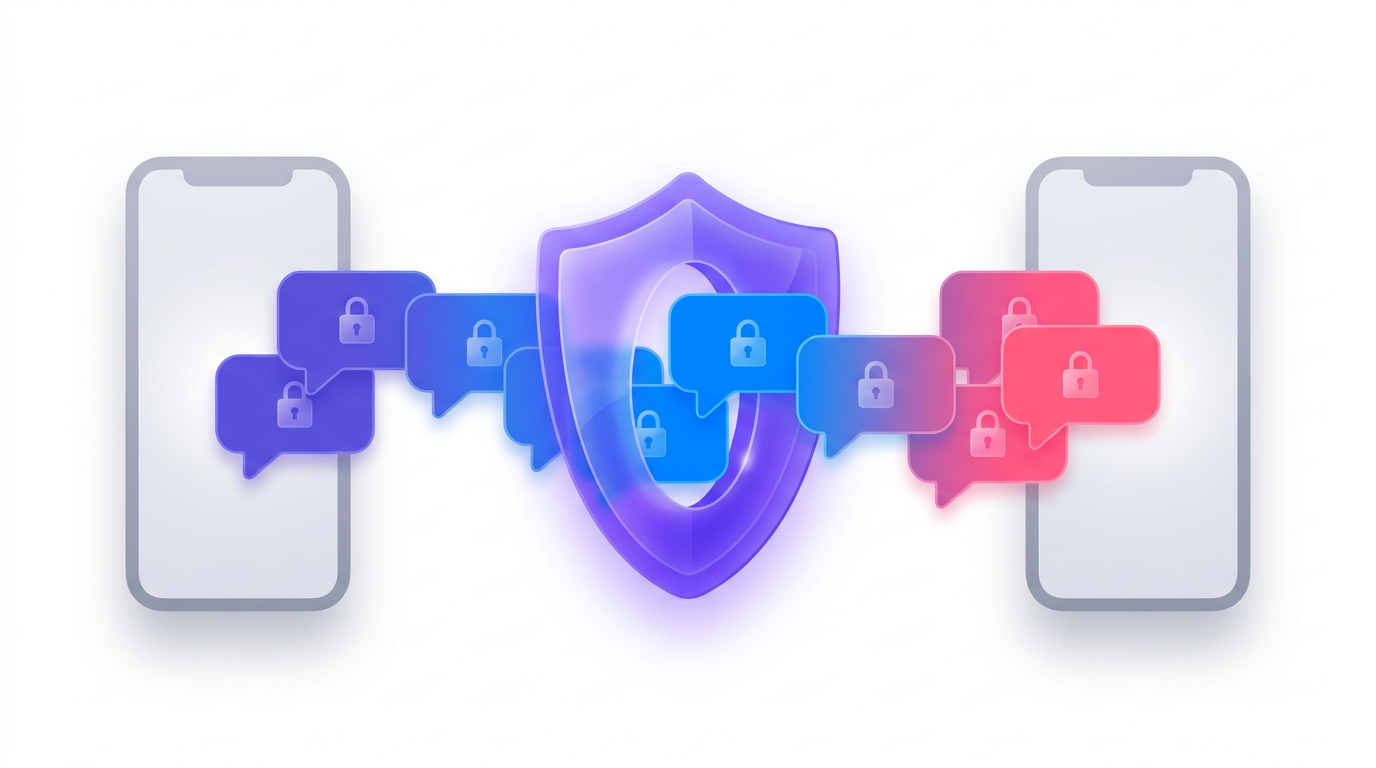
In 2023, Meta introduced end-to-end encrypted (E2EE) backups for Messenger, allowing your message history to follow you across devices without any third party—including Meta—being able to read it. Now, with the release of Labyrinth 1.1, the underlying protocol has been upgraded to make these backups even more reliable. This new sub‑protocol ensures that messages are safely stored in your encrypted backup as they are sent, rather than waiting for your device to come back online. This means your conversations survive device loss, device switches, and long gaps between sign‑ins. This guide walks you through how this improvement works step by step, so you can understand what happens behind the scenes every time you send an encrypted message.
What You Need
To benefit from Labyrinth 1.1, you need the following:
- A Messenger account with end‑to‑end encrypted backups enabled (this is automatic for eligible users).
- An active internet connection on the sending device at the time the message is sent.
- The latest version of Messenger – Labyrinth 1.1 is being rolled out broadly, so ensure your app is updated.
- An encrypted backup already configured – Typically, you'll have set this up during initial Messenger setup or by going to Settings > Privacy & Safety > End‑to‑End Encrypted Backups. Without an existing backup, the new sub‑protocol cannot deposit the message encryption key.
- A basic understanding of encryption concepts (optional but helpful) – Knowing how public‑key cryptography works will help you follow the steps below.
Step‑by‑Step: How Labyrinth 1.1 Reliably Stores Your Messages
The following numbered steps explain the flow of a message from sender to encrypted backup under Labyrinth 1.1. Each message is treated like a sealed envelope dropped into a locked box that only the recipient can open.
Step 1: Send a Message
When you tap “send” on a message in Messenger, your device encrypts it with a unique message encryption key (called the envelope). It then sends the encrypted message over the internet to the recipient's device. So far, this is standard end‑to‑end encryption.
Step 2: Generate a Backup‑Specific Encryption
At the same time, the sender's Messenger client generates a special backup wrapping layer. This is a second encryption that prepares the message key for storage inside the recipient's encrypted backup. The sender uses the recipient's public backup key (which is already known from the E2EE backup setup) to encrypt the message encryption key. This step ensures that only the recipient—using their private backup key—can later unwrap the message key and decrypt the message.
Step 3: Deposit the Key into the Recipient's Encrypted Backup
Instead of waiting for the recipient to come online, the sender’s client directly deposits the wrapped message encryption key into the recipient’s encrypted backup storage on Meta’s servers. This is the core innovation in Labyrinth 1.1. The deposit happens immediately after the message is sent, using the same secure connection that already exists for the backup service. Think of it as dropping the sealed envelope into a locked box that only the recipient has the key for—no one else, not even Meta, can open that envelope.
Step 4: Recipient Goes Online or Restores Backup
Whenever the recipient next opens Messenger (or after they restore their backup on a new device), the client fetches the encrypted backup from the server. Inside that backup, it finds the deposited message encryption keys. Because the recipient holds the private key for their backup, they can unwrap each message encryption key and then decrypt the actual message content. This process works even if the recipient has lost their original device or hasn’t signed in for months – the keys are safe in the backup.
Step 5: Ensure Message Survival Across Device Events
Thanks to the deposit happening at send time, the message encryption key is already in the backup before the recipient’s device ever receives the message. This means that if the recipient loses their phone before opening the message, the message is not lost—it will be recovered when they restore from the E2EE backup on a new device. Similarly, if the recipient switches devices or has a long gap between sign‑ins, the backup contains all keys needed to reconstruct the conversation history. Labyrinth 1.1 thus eliminates the previous reliance on the recipient’s device being online to receive the message key for backup storage.
Tips for Maximizing Backup Reliability
To get the most out of Labyrinth 1.1, keep these recommendations in mind:
- Keep your Messenger app updated. Labyrinth 1.1 is being rolled out gradually, so ensure you have the latest version to benefit from the improved reliability.
- Maintain a stable internet connection when sending messages, as the deposit step requires a connection to the backup servers.
- Periodically verify your backup status. Go to Settings > Privacy & Safety > End‑to‑End Encrypted Backups to confirm that backups are active and recent. A green checkmark indicates everything is working.
- Don’t disable encrypted backups unless you are sure you won’t need to restore message history later. Without a backup, the new sub‑protocol cannot help recover messages after device loss.
- Understand that this improvement is automatic. You don’t need to take any extra steps—just send messages as usual. The protocol handles the rest.
- Keep your account secure with a strong password and two‑factor authentication. While Labyrinth 1.1 ensures message survival, account security prevents unauthorized access to your backup.
- If you switch devices, make sure to restore from your encrypted backup during initial setup. This will pull all deposited message keys and reconstruct your full conversation history.
By following these tips and understanding the steps above, you can trust that your encrypted messages are more resilient than ever. Labyrinth 1.1 makes good on the promise of invisible, reliable security.
Related Discussions